Infrared Camera
Precise technology reliably captures every written stroke in real time.
Couldn't load pickup availability


Write or draw in your notebook as usual. Your content is instantly captured digitally on your device.

Once your notes have been saved, simply wipe away the ink using the included microfiber cloth.

Once the page is clean and dry, you can write on it again and again.

Precise technology reliably captures every written stroke in real time.

The integrated USB-C port provides fast, reliable, and convenient charging.

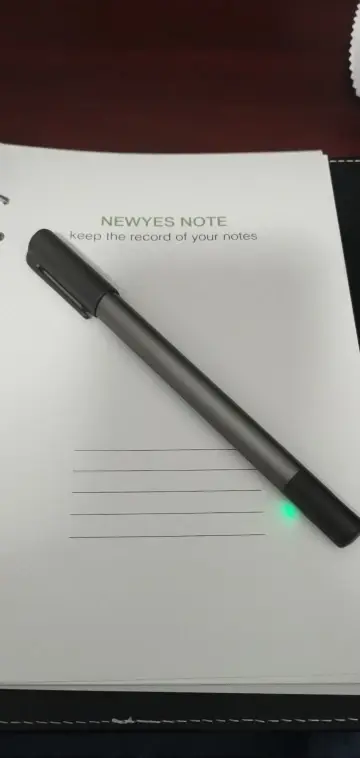
The illuminated button displays the operating status, Bluetooth connection, and low battery level.

Its comfortable shape provides a natural and pleasant writing experience, even during longer writing sessions.
Discover everything you can do with your handwritten notes after you've finished writing.

Convert handwritten notes directly into digital text and continue working with them on your smartphone.

Replay the creation process of your notes or drawings whenever you want.

Record conversations, lectures or explanations while taking your notes.

Edit your synchronized content directly in the app and customize it exactly the way you need.

Share your notes with others or export them for school, university and work.

Save and organize your notes digitally so you can find important content faster.

Ask questions, translate content, improve your notes, or create new images directly from your ideas.
The assistant understands your content and helps you develop your ideas faster.
Premium materials and practical features for your everyday life.

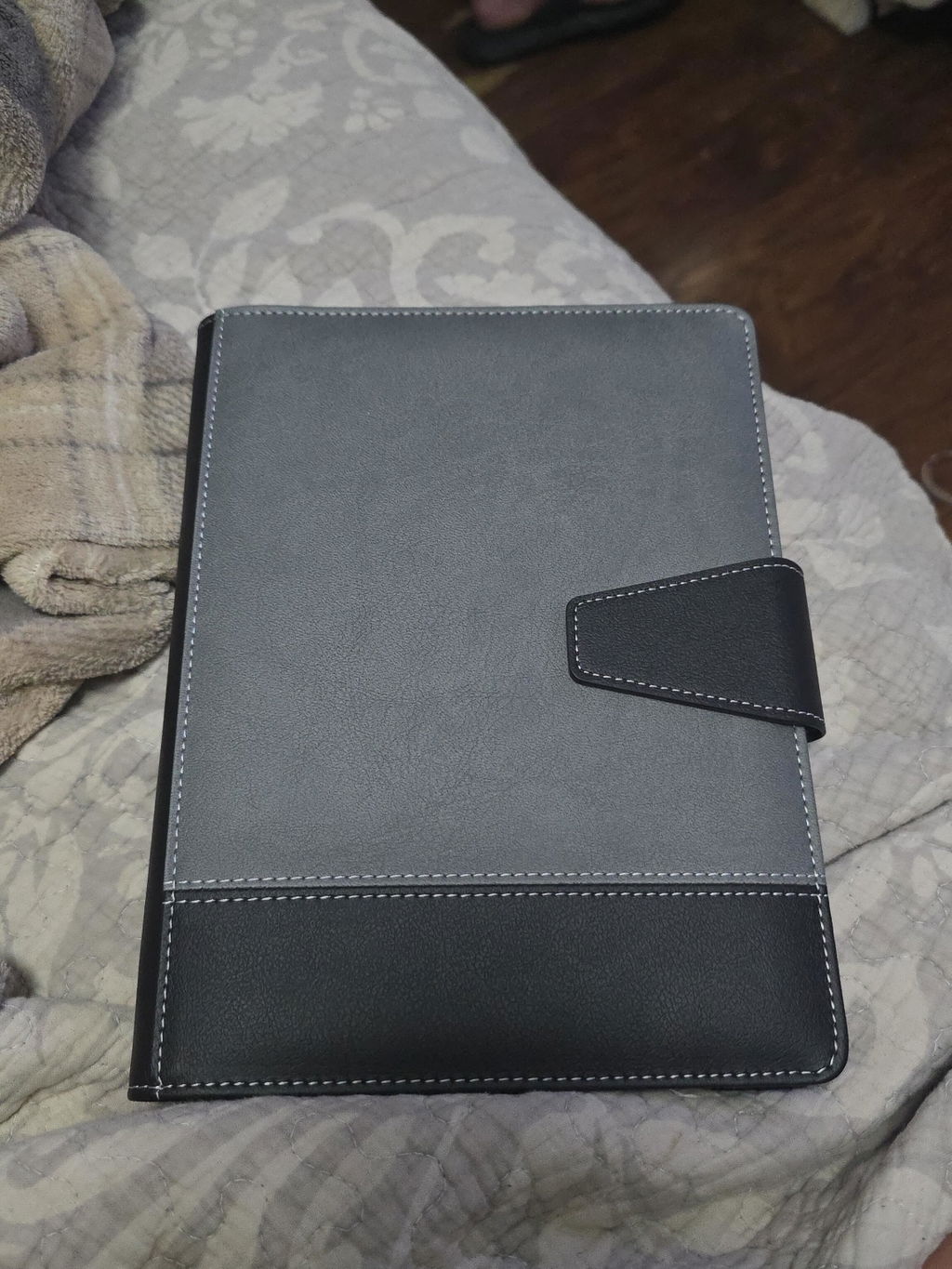
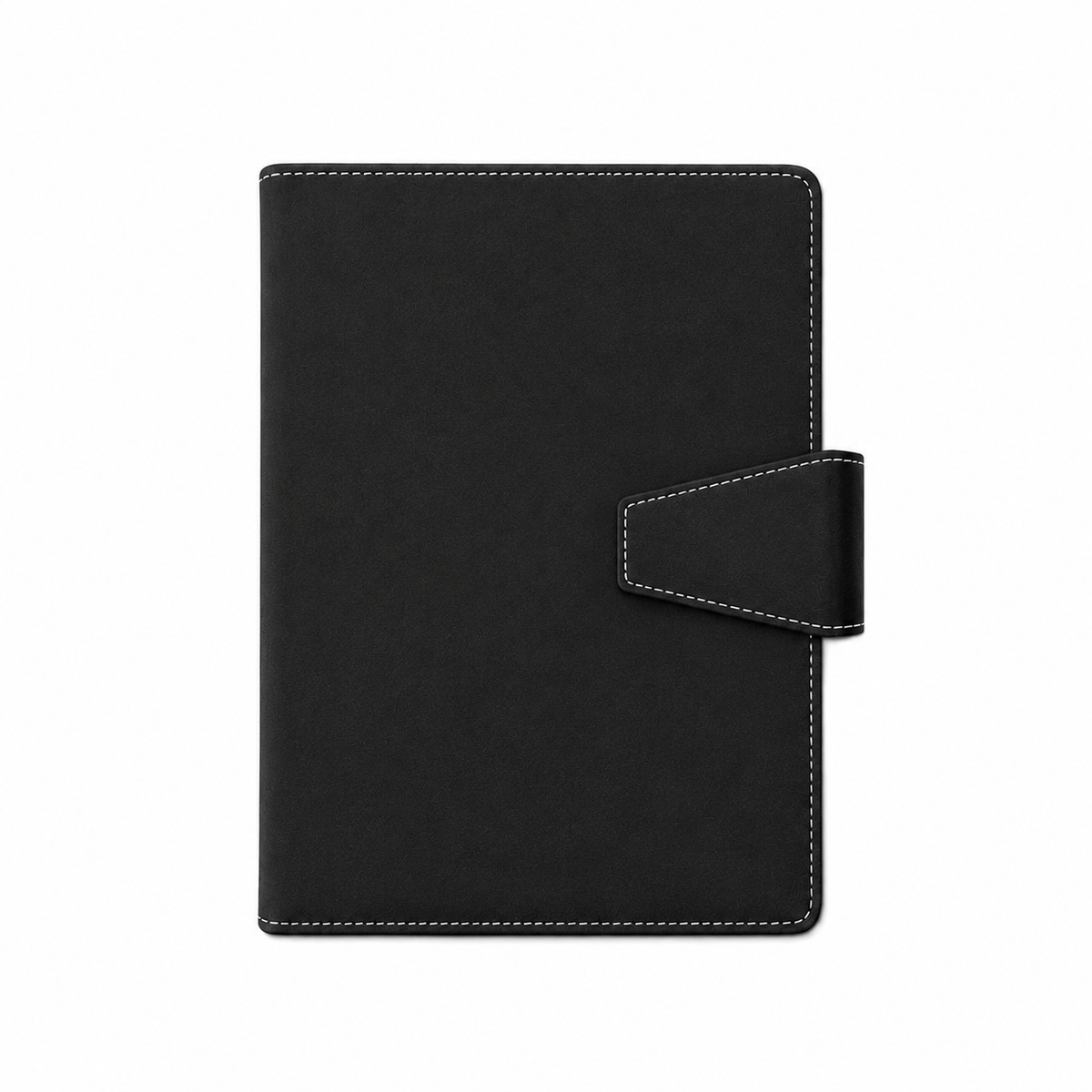
Premium faux leather with a soft feel, designed to withstand everyday use. It offers long-lasting durability and a professional look.

The secure magnetic closure keeps your notebook protected and neatly closed. Ideal for on the go, preventing it from opening accidentally.

Interior pockets provide space for cards, notes, or important documents, keeping everything you need within easy reach.

The elastic holder keeps your pen securely in place at all times. Perfect for school, the office, and on the go.

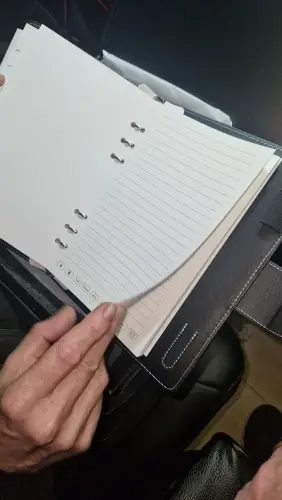
The versatile combination is ideal for structured notes, sketches, drawings, or creative ideas.

The pages are designed for reuse and are both heat-resistant and water-resistant. Simply write, digitize, and reuse.
Everything you need to know before placing your order.
Yes. The Notivo Sync Book can recognize even fast or messy handwriting and transfers your notes digitally to the app, allowing you to easily search and organize them afterwards.
No. Simply connect your Notivo Sync Book to your smartphone via Bluetooth, open the app, and you can start writing right away.
Simply correct your notes directly in the notebook. Your changes are then transferred digitally, keeping your notes in the app up to date.
Yes. The pages are erasable and reusable. Save your notes digitally whenever needed, then wipe the pages clean using the included Notivo microfiber cleaning cloth. This allows you to use your notebook again and again.
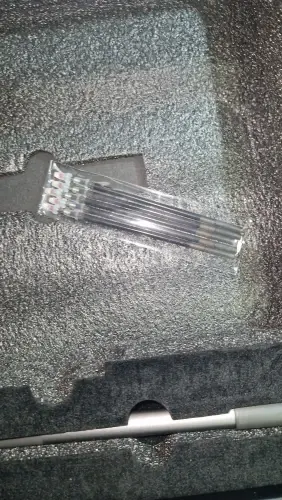
Of course! Your Notivo Sync Book already includes ink refills. For frequent writers, we also offer additional replacement refills, so you can continue using your notebook whenever you need.
Yes. The companion app is available for both iOS and Android and can be downloaded to your smartphone free of charge.
No. You can use the Notivo Sync Book just like a regular notebook. Your notes can then be digitally synchronized and saved in the app afterwards.
Click the three lines in the top left corner and select “Contact”. Our support team will be happy to answer any additional questions.
Love it! I just wish it would have an app for my laptop. I am a masters level student and take a lot of notes. It would make it easier to organize if it had more functions in the app and able to download directly to my laptop. Otherwise I absolutely love it.
Completely corresponds to the description.
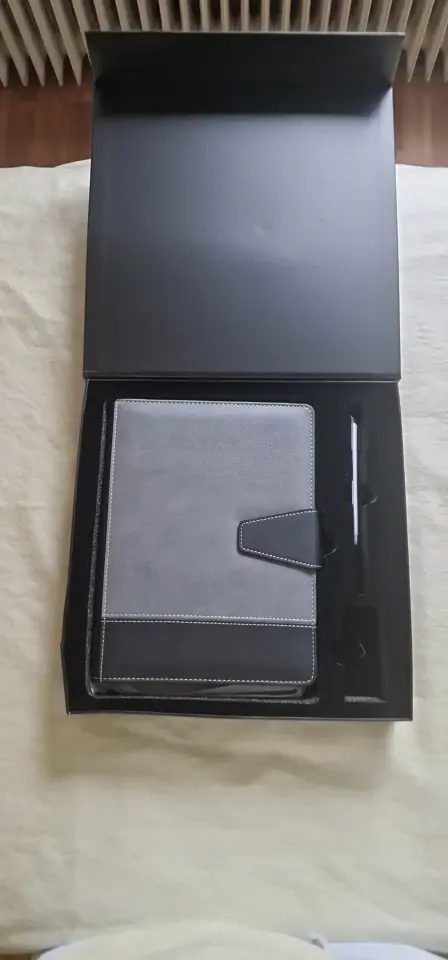
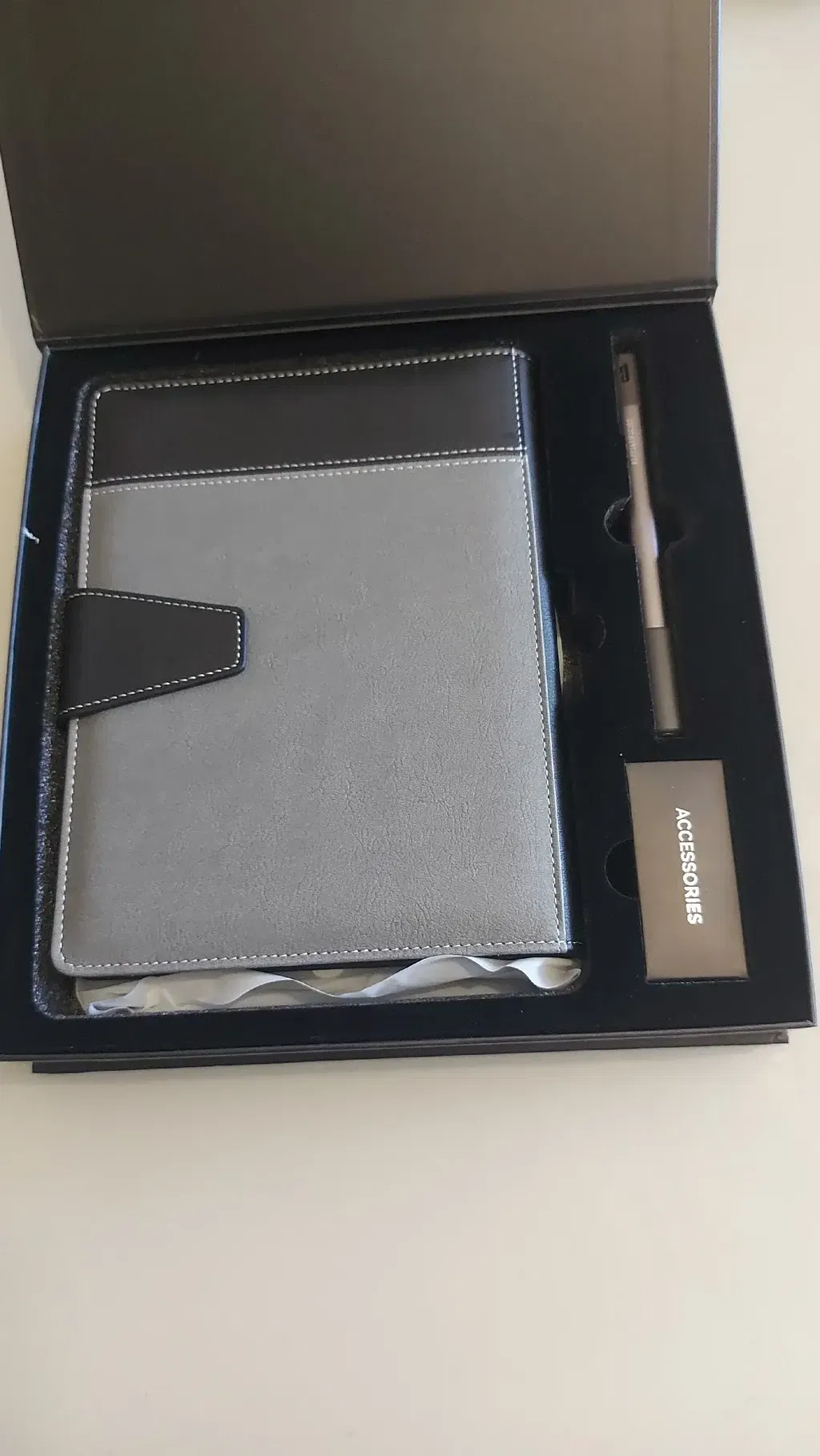
Everything arrived quickly, the packaging was intact, the quality is excellent!
Satisfied
Perfect
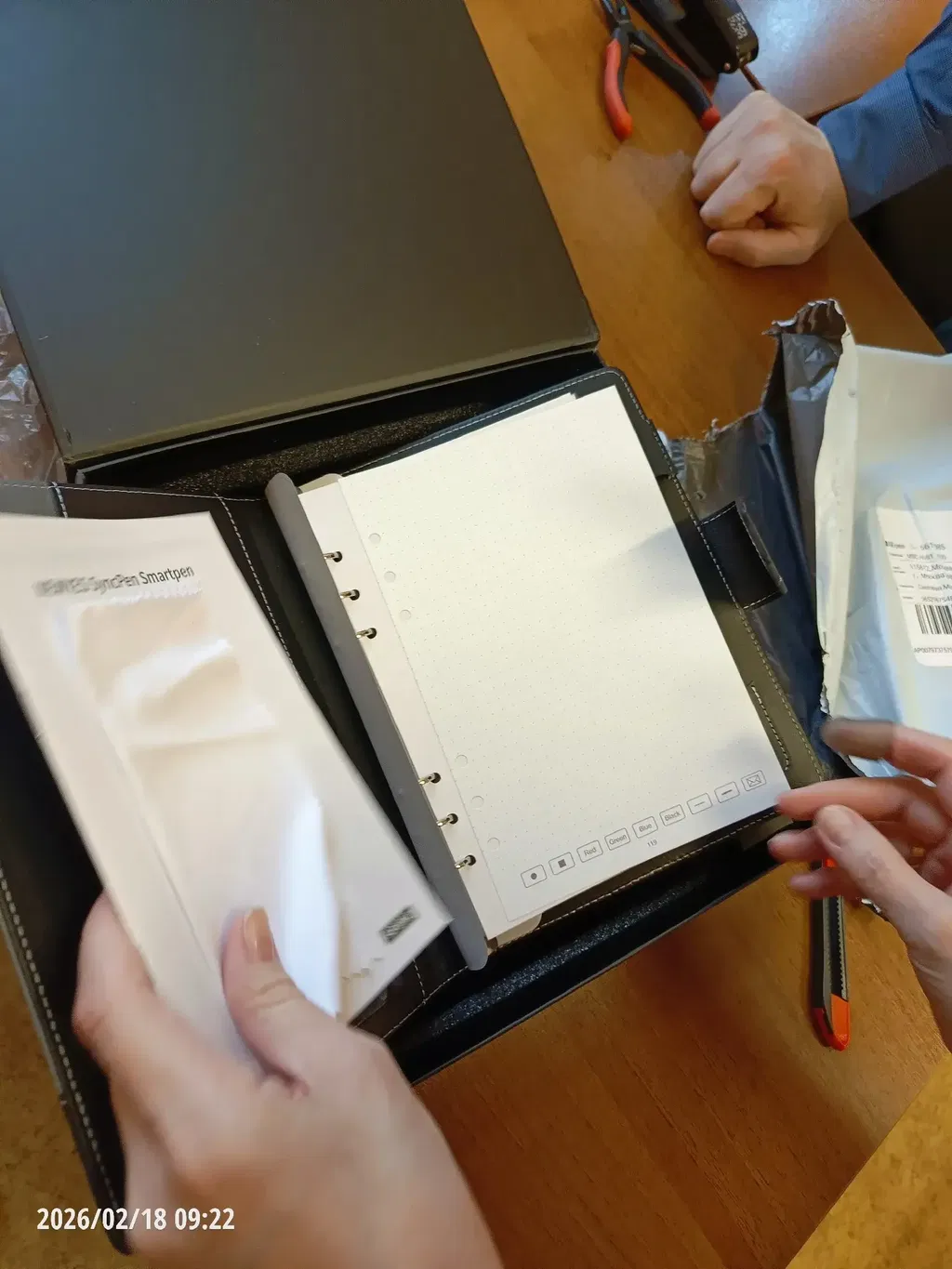
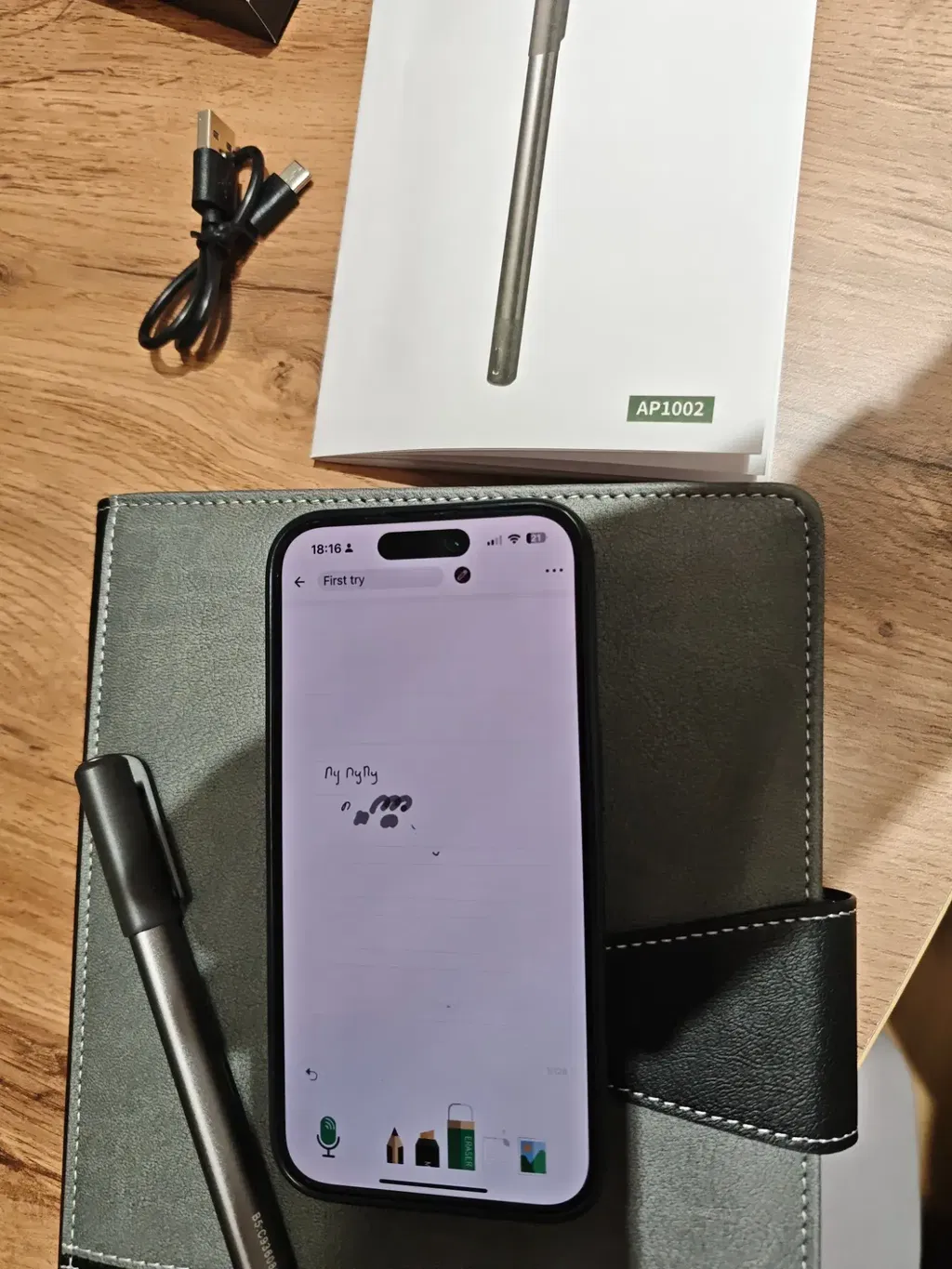
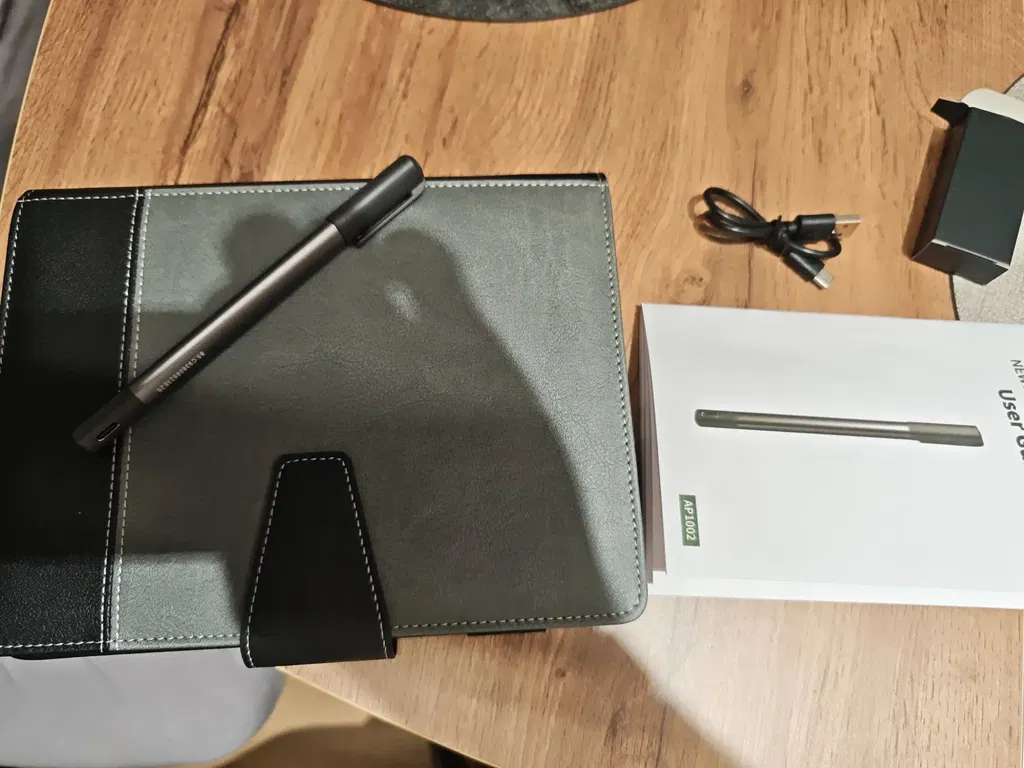
The product arrived in a box. The set includes a notebook (130 sheets), a pen, a charger, replacement refills, a cloth and instructions.
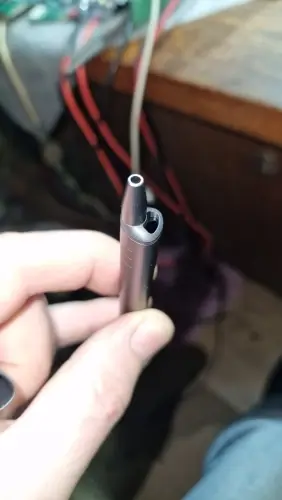
The pen writes smoothly. You can change the color and pressure level via the app (changes are visible in the app). Can be washed off the body with normal water.
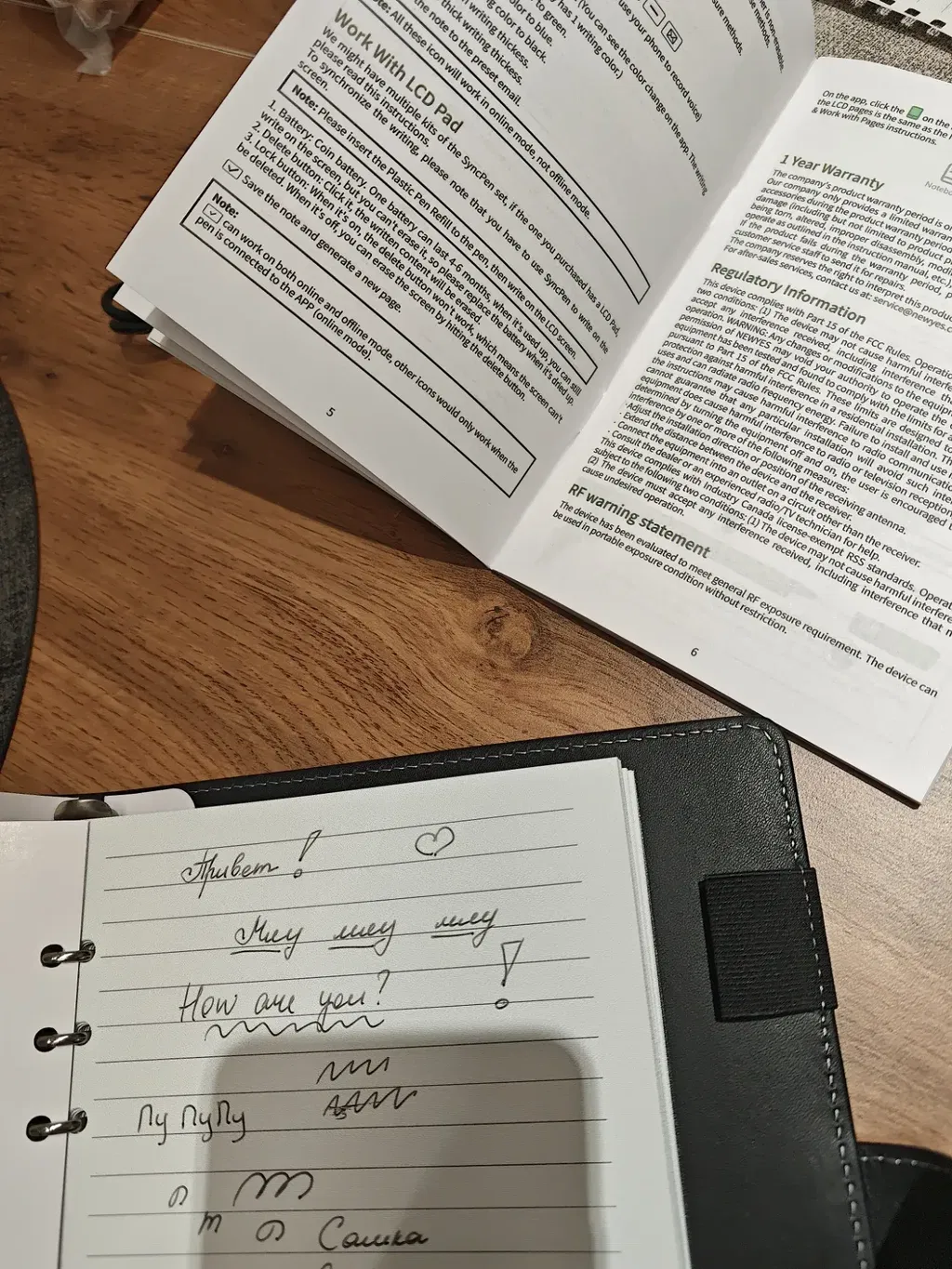
You can send the text or the entire image. The app has an automatic detection function. It recognizes Russian 4 out of 5 times.
Overall it's a cool product.
Excellent product. Everything arrived in perfect condition and works wonderfully. The packaging and presentation are all excellent. I was a little wary as I had previously purchased one that disappointed me. But I can highly recommend this Notivo brand product.
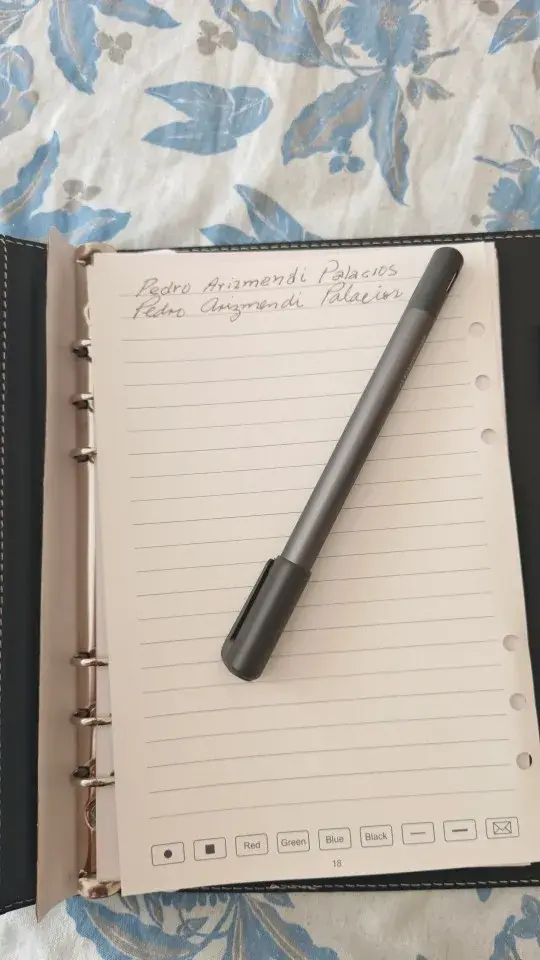
It is an excellent tool for learning writing processes or simply taking notes. Its functionality is excellent both on paper and on the whiteboard. I recommend this product.
Just what I needed!
Great product!
Works perfectly!
Very happy with it!
Excellent quality!
Highly recommended!
Easy to use!
Good product
Worth every penny!
Exactly as described!
Very satisfied!
Works as expected!
Great value!
Well done
Love this product!
Simple and practical!
Really impressed!
Good quality!
A great purchase!
Excellent notebook 👍
Excellent product.
I bought the same one as mine for my parents - it's a practical item.
The features work with the application installed via QR code. Apparently there are different versions in the store and in the set.