


Notivo - Mini Printer
Notivo - Mini Printer
Couldn't load pickup availability
Notivo - Mini Printer


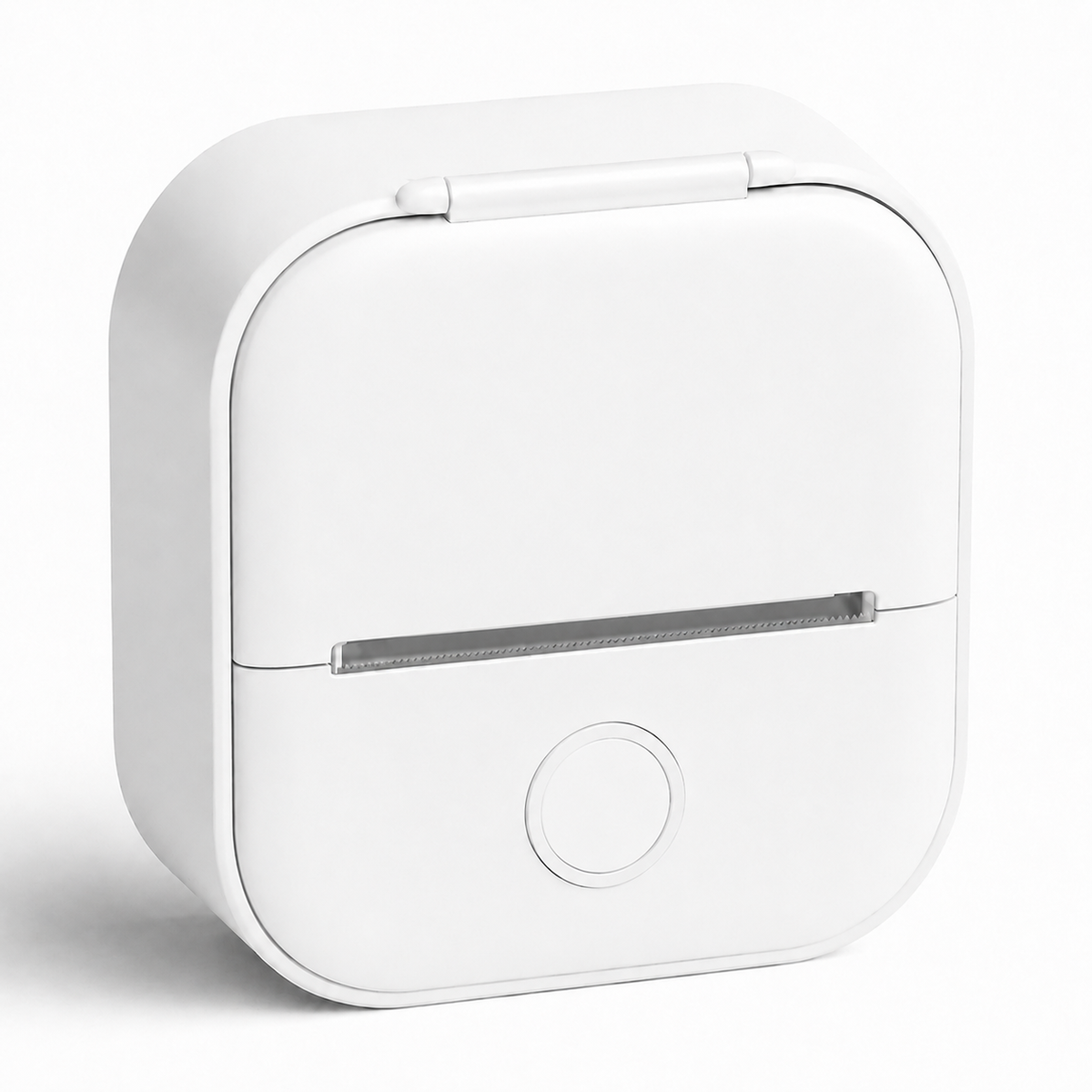
How it works
Turn it on
Press and hold the power button on the Mini Printer for about 3 seconds until the Mini Printer turns on.

Connect
Open the Notivo App and connect your smartphone to the T02 via Bluetooth – completely wireless.

Choose a photo & print
Choose a photo from your gallery in the Notivo App and print it directly with the T02.

Free for iOS & Android – connect via Bluetooth and get started right away.
Templates & Design
Choose from a wide range of ready-made templates for stickers, labels, and to-do lists – simply select and print.
Photo Printing
Choose a photo from your gallery or take one directly with your camera and print it instantly.
Scan & Print
Scan objects or text directly in the app and turn them into a printout within seconds.
Text Printing
Simply type longer texts, notes, or reminders and print them all at once.
|
Us
|
Others
|
|
|---|---|---|
|
Inkless printing
|
|
|
|
Wireless connection
|
|
|
|
Versatile app
|
|
|
|
Compact design
|
|
|
|
Quick setup
|
|
|
Frequently Asked Questions
Everything you need to know before placing your order.
No. The NOTIVO Mini Printer uses thermal printing technology and requires neither ink nor cartridges.
The Mini Printer uses compatible thermal paper rolls. This allows you to replace the paper whenever needed and continue printing right away.
Yes. You can select images from your smartphone gallery, edit them, and print them directly with the Mini Printer.
The printer uses thermal printing technology and therefore prints in black on the thermal paper.
Yes. The Mini Printer can be used with both iOS and Android smartphones.
Yes. Thanks to its compact size and built-in battery, the Mini Printer is ideal for school, university, travel, and everyday use.
You can create and print texts, notes, shopping lists, study notes, graphics, and a variety of templates.
The app required for the basic use of the printer can be downloaded to your smartphone free of charge.